
What is this page?
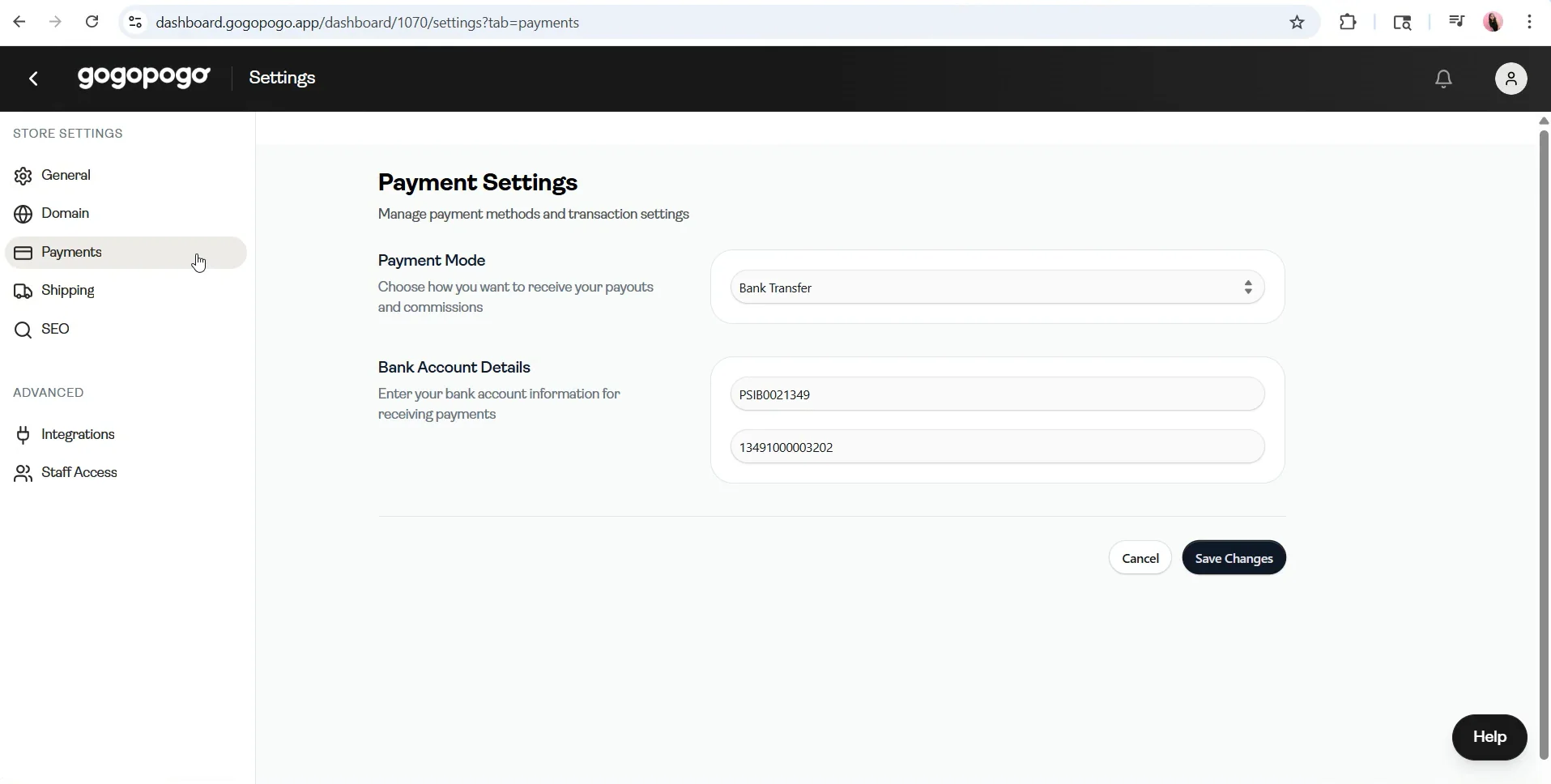
The Payment Settings page is where you add your payment details. These details are used for all your payouts.
Key Information
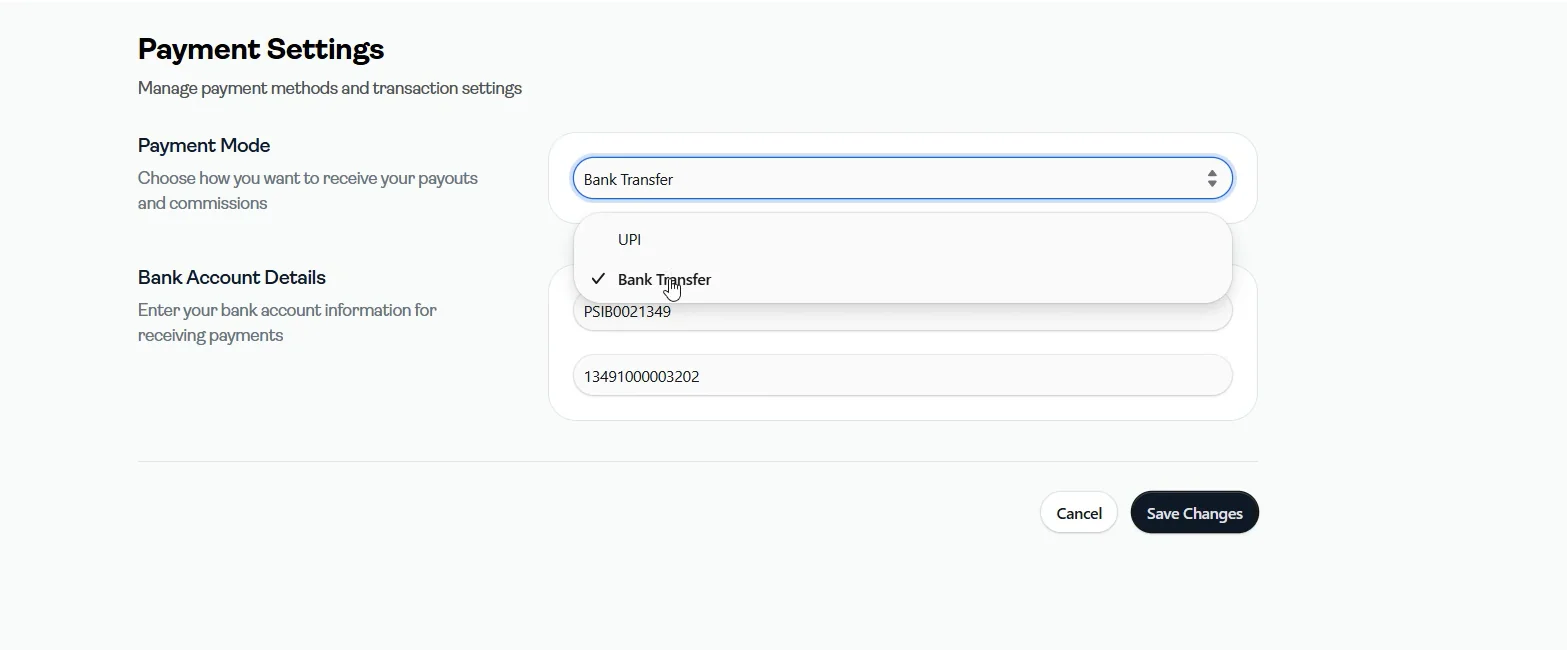
- Two payment modes are available:
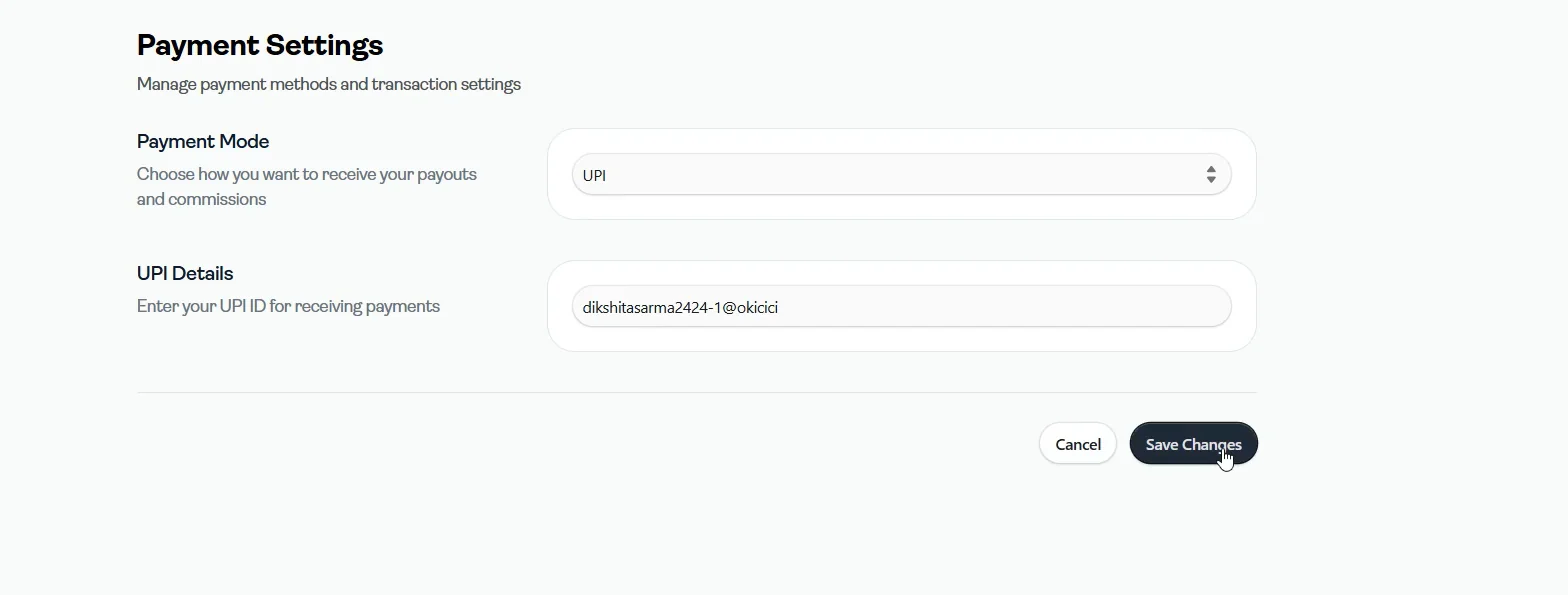
- UPI
- Bank Transfer
- Under Bank Transfer, you need to enter:
- Account Number
- IFSC Code
- Under UPI, you need to enter:
- UPI ID
- After entering your details, click on Save Changes to update your payment information
Important Notes
- Double-check your details before saving
- Incorrect details may lead to failed or delayed payouts
- This page is directly linked from the Payouts page, so you can update details anytime