
What is this page?
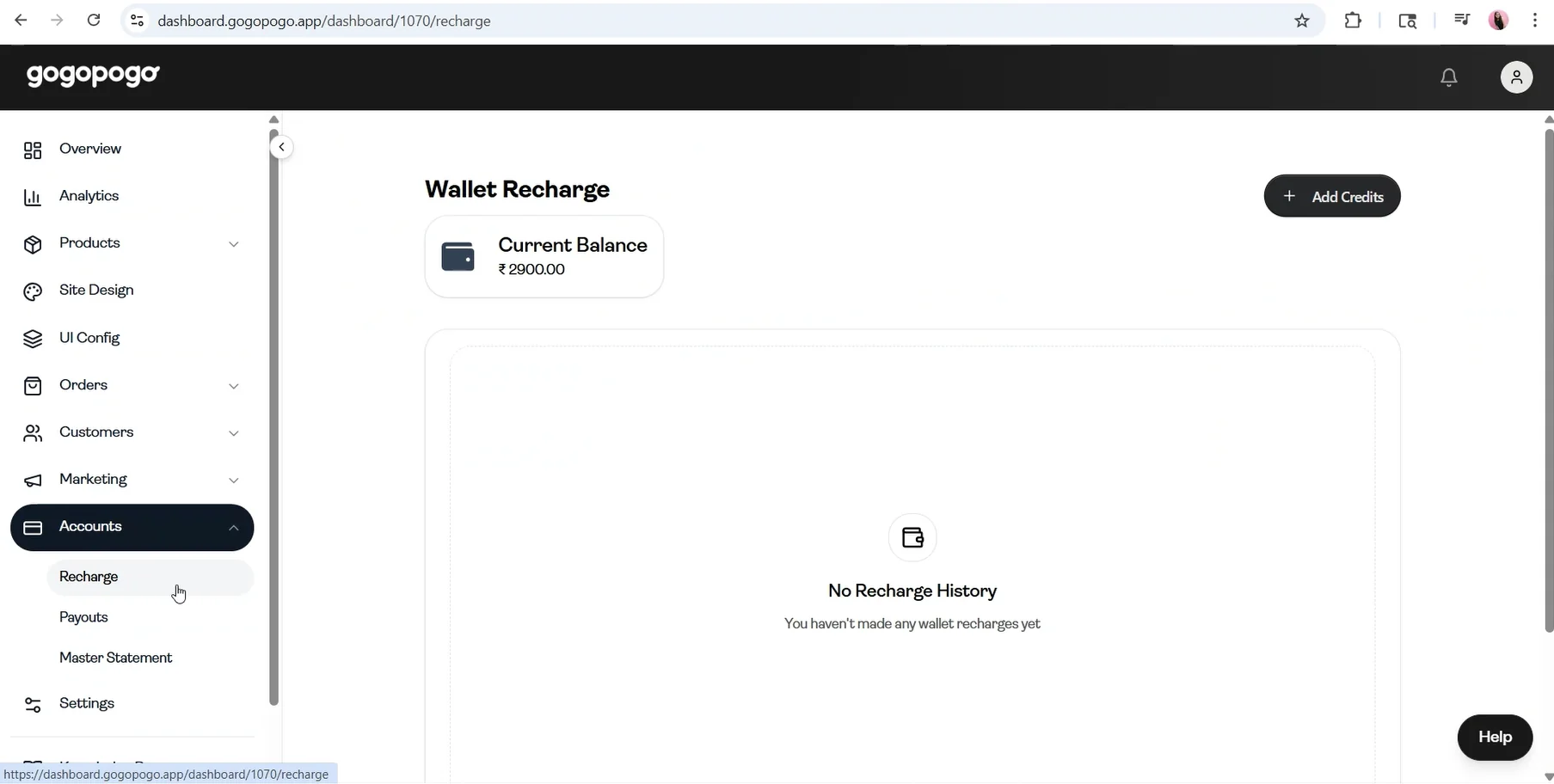
The Recharge page allows you to add credits to your wallet balance. This balance is used for actions that require available funds on the platform.
Key Information
- Your current balance is visible at the top, so you can check how much is available before adding more funds.
- Click on Add Credits to start the recharge process.
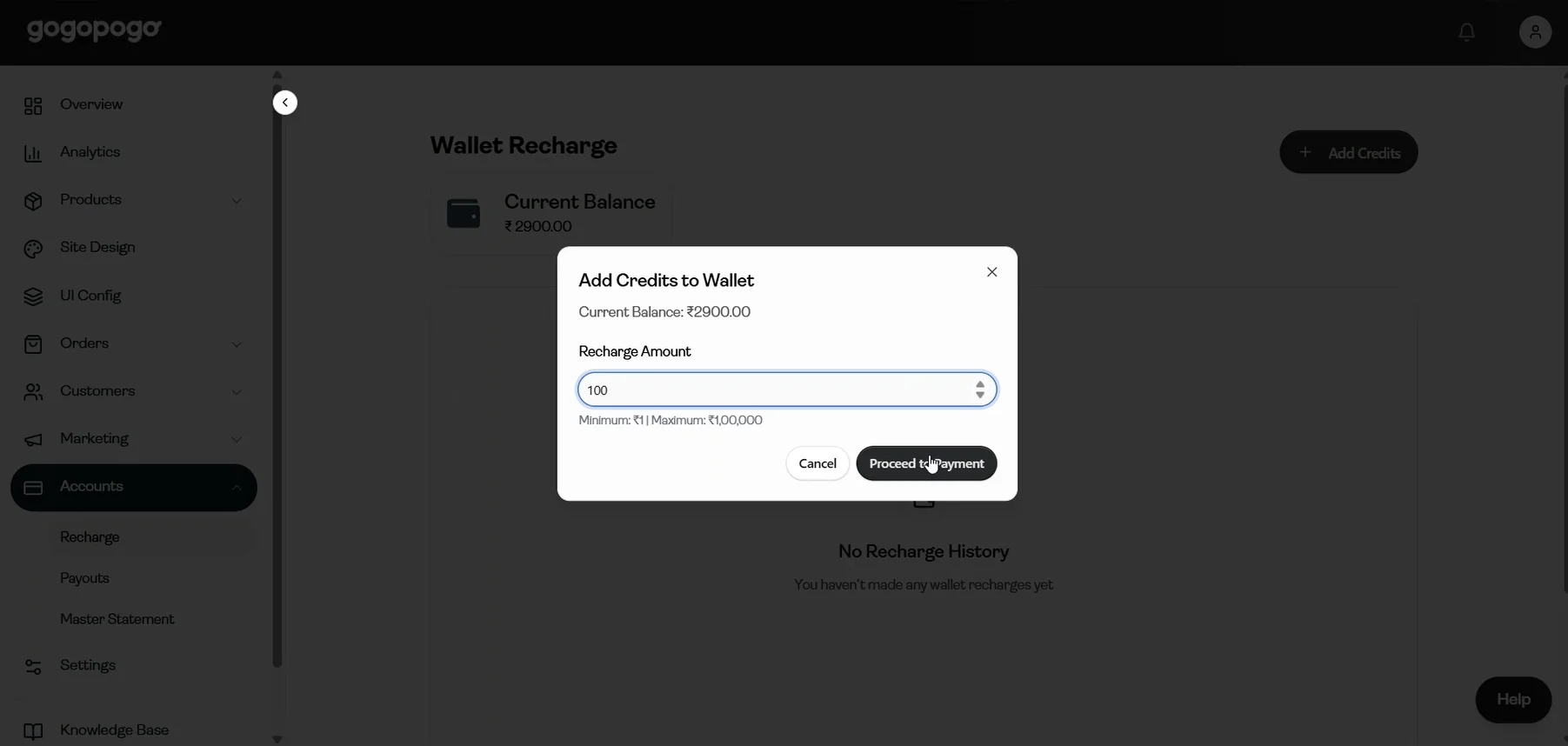
- After clicking Add Credits, a popup will appear where you need to enter the recharge amount.
- Enter the amount (for example, ₹100) and click on Proceed to Payment to continue.
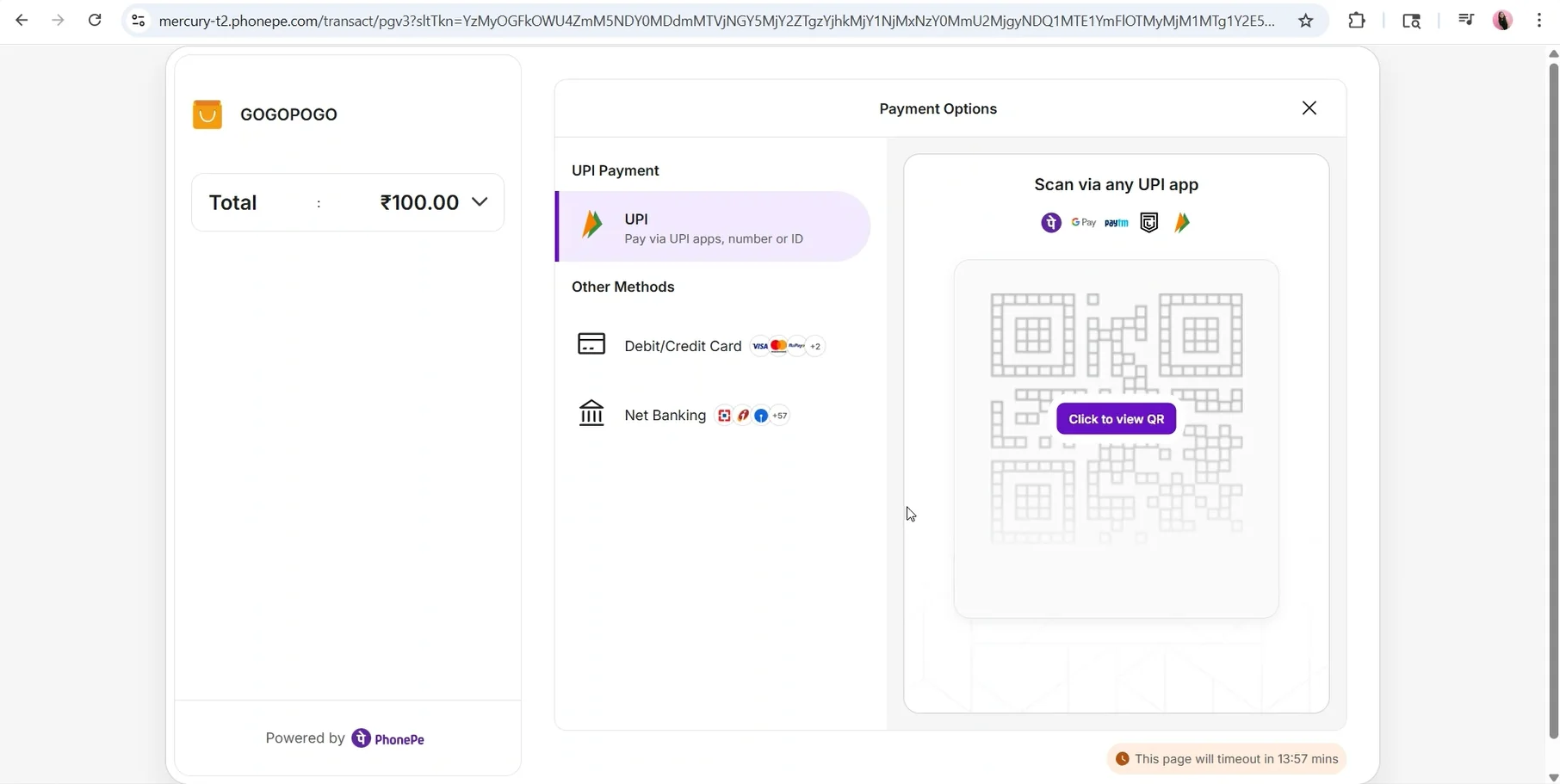
- You will then be redirected to the payment page.
- Choose your preferred payment method (UPI, Debit/Credit Card, or Net Banking) and complete the payment.
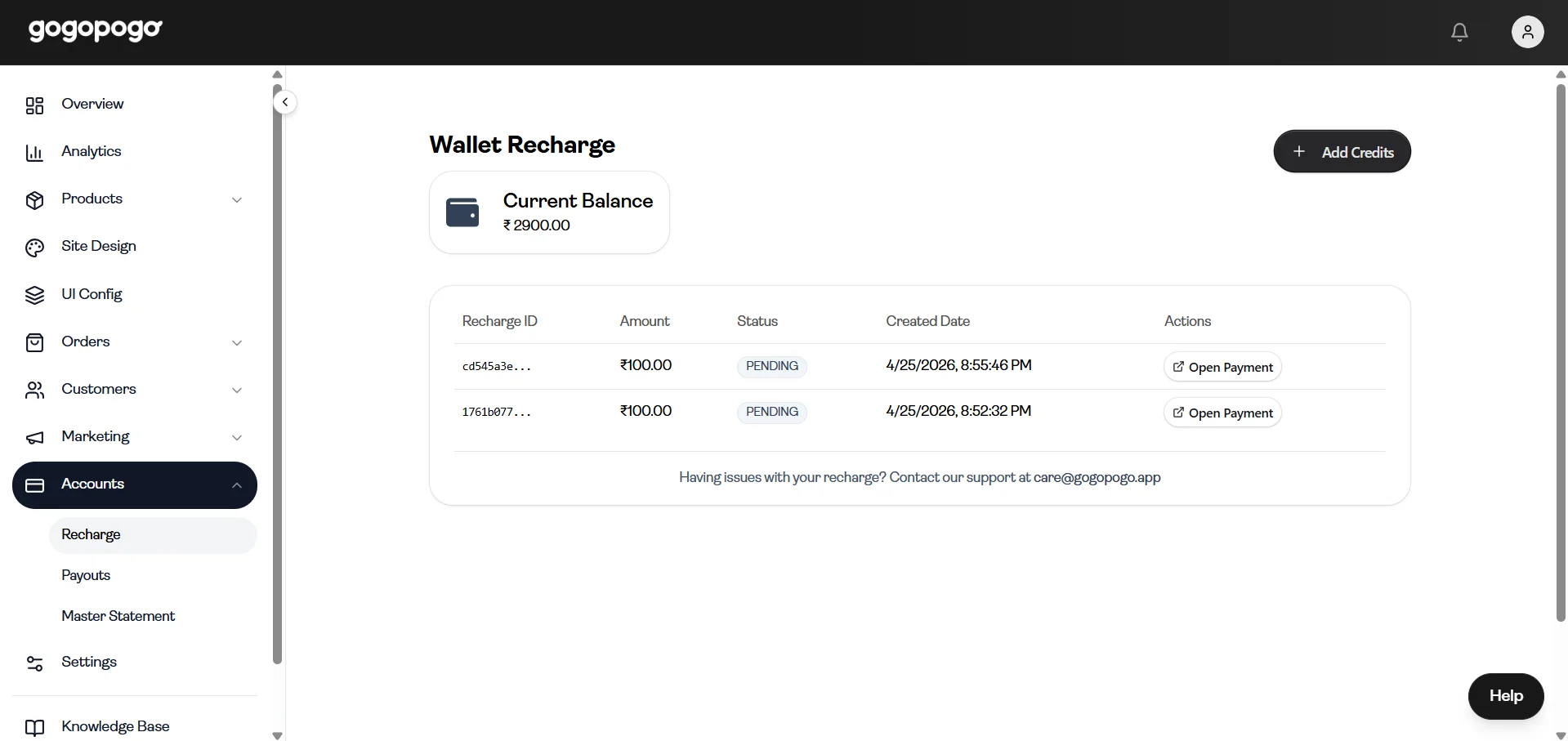
- After initiating the payment, you may see a recharge status interface showing your request details.
- This page includes:
- Recharge ID
- Amount
- Status
- Created Date
- Actions
- Option to contact support if there is an issue
Important Notes
- Recharge is required to:
- Fulfill Cash on Delivery (COD) orders
- Place sample orders
- Buy gift cards
- Use premium plugins (coming soon)
- Your balance will be updated only after the payment is completed successfully.
- If the payment is not completed, the balance will not be added.
- If the status shows Pending, you can use Open Payment to complete it.